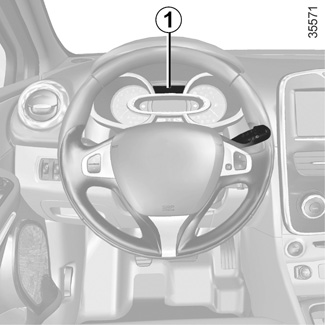
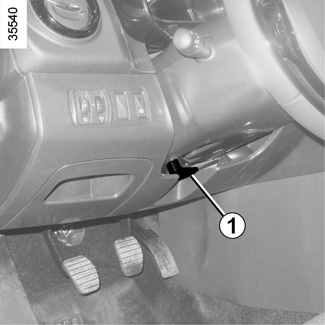
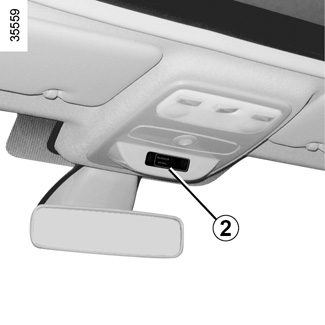
TRIP COMPUTER AND WARNING SYSTEM: information messages These can help in the vehicle starting phase, or give information about a selection or a driving status.Examples of information messages are given in the following pages. Chapter
trip COMPUTER: trip settings (1/5) The display of information shown below DEPENDS ON THE VEHICLE EQUIPMENT AND COUNTRY. Examples of selections Chapter
ON-BOARD COMPUTER: general information (1/2) On-board computer 1 Depending on the vehicle, this includes the following functions: Chapter
warning lights (1/5) The display of information shown below DEPENDS ON THE VEHICLE EQUIPMENT AND COUNTRY. Chapter
DRIVING POSITION: RIGHT-HAND DRIVE (1/2) The equipment fitted, described below, DEPENDS ON THE VERSION AND COUNTRY. 1 Side air vent. Chapter
DRIVING POSITION: LEFT-HAND DRIVE (1/2) The equipment fitted, described below, DEPENDS ON THE VERSION AND COUNTRY. 1 Side air vent. Chapter
Child seats: attachment using the ISOFIX system (1/5) Visual installation of five door and estate versions Chapter