Volume

<?xml version="1.0" standalone="yes"?>

Volume

Adjust the sound level when listening to the different sources, messages, ringtones and phone communications:

  • by turning or pressing button 2 on the front panel of the multimedia system;
  • by pressing control 15 or 16 on the steering column control.

To adjust this function, please refer to the information on "Audio preferences" in the section on "Audio settings".

Chapter

Operate and use

<?xml version="1.0" standalone="yes"?>

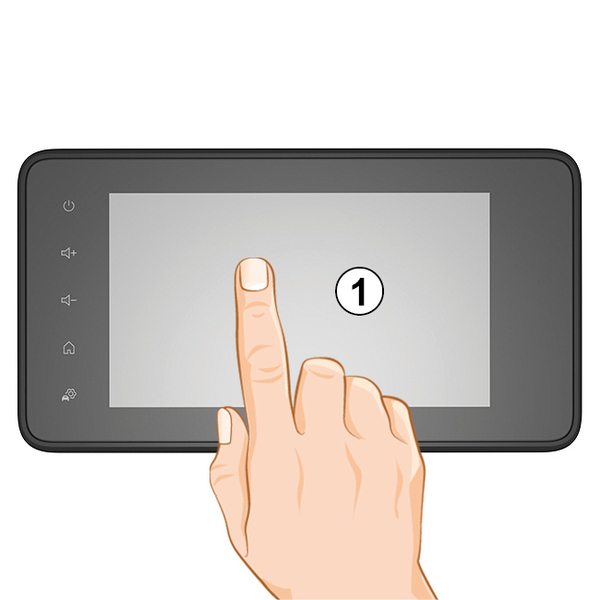
Multimedia screen 1

Briefly press:

Chapter

Switching on, off

<?xml version="1.0" standalone="yes"?>

Switching on

The multimedia system switches on automatically when the ignition is switched on. In other cases, press button A to switch on the multimedia system.

Chapter

Introduction to the controls

<?xml version="1.0" standalone="yes"?>

System panels

Screen selections are made by touching the desired selection on the screen.

Availability of the navigation screen depends on the vehicle, country and/or legislation in place.

Chapter

General description

<?xml version="1.0" standalone="yes"?>

Introduction

If the vehicle is equipped, the multimedia system provides the following functions:

Chapter

User precautions

<?xml version="1.0" standalone="yes"?>

It is essential to follow the precautions below when using the system, both in the interest of safety and to prevent material damage. Always comply with the laws of the country in which you are travelling.

warning

Precautions when operating the system

Chapter