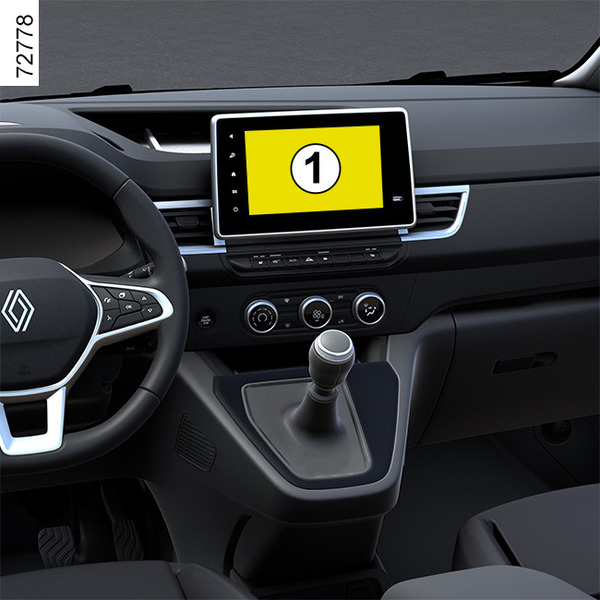
Clock and exterior temperature <?xml version="1.0" standalone="yes"?> Vehicles fitted with a multimedia screen.The time and exterior temperature are displayed on the multimedia screen 1. Chapter
Vehicle settings personalisation menu <?xml version="1.0" standalone="yes"?> Depending on the vehicle equipment, this function allows you to activate/deactivate and adjust some of the vehicle's functions.Vehicles fitted with a multimedia screen 1Accessing the settings menu Chapter
Displays and indicators <?xml version="1.0" standalone="yes"?>Instrument panel in miles (option to switch to km/h)Vehicles not fitted with a multimedia screen Chapter
Information messages <?xml version="1.0" standalone="yes"?>These can help in the vehicle starting phase, or give information about a selection or a driving status.Examples of information messages are given in the following pages.Examples of messages Chapter
Journey settings <?xml version="1.0" standalone="yes"?>The display of information shown below DEPENDS ON THE VEHICLE EQUIPMENT AND COUNTRYExamples of selectionsInterpreting the display selected Chapter
Driver’s position, right-hand drive <?xml version="1.0" standalone="yes"?> The fittings described below DEPEND ON THE VEHICLE VERSION AND COUNTRY.1.Side air vents. Chapter