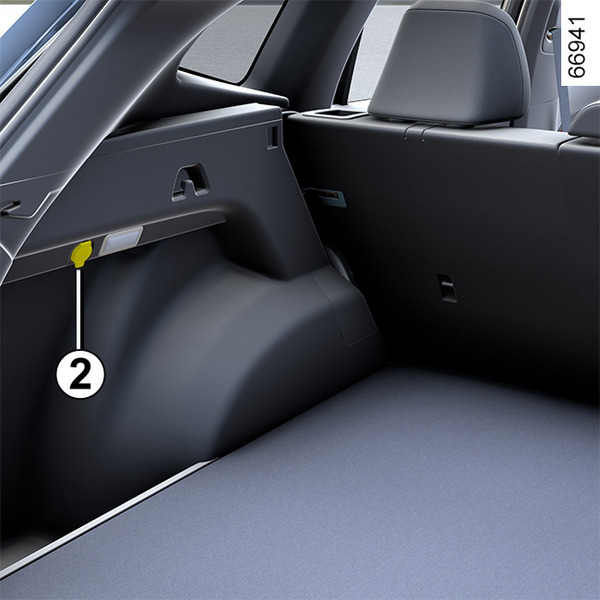
Luggage compartment storage <?xml version="1.0" standalone="yes"?>Rear parcel shelfTo use the rear parcel shelf (For vehicles selected as supplies) Chapter
Passenger compartment storage, fittings <?xml version="1.0" standalone="yes"?>Storage compartments of the front doors 1 They can hold a 1.5-litre bottle. Chapter
Sun visor, mirror <?xml version="1.0" standalone="yes"?> Front sun visorLower the driver's or passenger's side sun visor 1 or pull it off the hook and turn it toward the door. Chapter
Panoramic sunroof <?xml version="1.0" standalone="yes"?> If your vehicle is equipped with a sunroof, you can slide or tilt your sunroof with the sunroof switch 1. Chapter
Electric windows <?xml version="1.0" standalone="yes"?>Operating conditionsThis system works when the following conditions are met:The vehicle ignition is on.The vehicle ignition is off, and all doors are closed with in approximately 120 seconds. Chapter