Renault Express

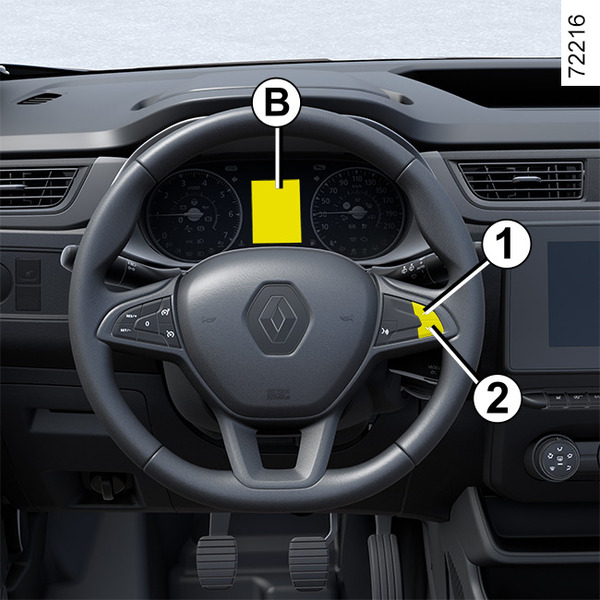
Vehicles not fitted with a multimedia screen
To access display A or B for setting the time, press and hold switch 1 or 2.
The hour reading flashes. You are now in setting mode, press switch 1 or 2 to set the hour.
Wait a few seconds, the minutes flash: repeatedly press switch 1 or 2 to set them.
When setting is complete, wait a few seconds before changing the display.

Vehicles fitted with a multimedia screen C
The time and exterior temperature are displayed on the multimedia screen C.
Refer to the multimedia instructions.
tip
Depending on the vehicle, If the electrical supply is cut (battery disconnected, broken supply wire, etc.), the clock will automatically go back to the right time after a few minutes once the system is capable of receiving information GPS.
Exterior temperature indicator
Special feature:
When the external temperature is between -3°C and +3°C, the °C figures flash (this indicates a risk of ice formation).
warning
Exterior temperature indicator
As ice formation is related to climatic exposure, local air humidity and temperature, the external temperature alone is not sufficient to detect ice.