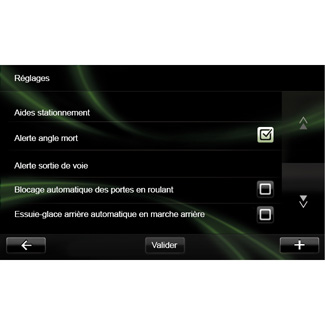
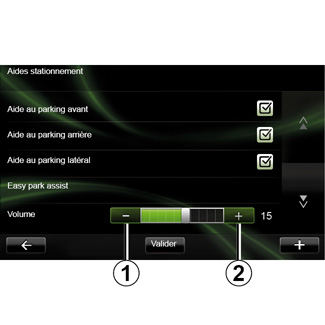
Services Settings

Accessing the services settings

From the main menu, press “Services”.

Chapter

My Renault (1/5)

Introduction

“MY Renault” is an application that can be downloaded from your smartphone which allows you to receive and send information relating to your vehicle, such as:

- the remaining range of your vehicle in kilometres (miles);

- the log of your daily, weekly and annual mileage (kilometrage);

Chapter

Android Auto™ (1/2)

Introduction

“Android Auto™” is an application that can be downloaded from your smartphone which enables you to use some applications on your phone from your multimedia system screen.

Note: to find out if your smartphone is compatible with the “Android Auto™” application, refer to the manufacturer's website if there is one.

Chapter

TAKE CARE (1/2)

Access the “TAKE CARE” menu.

There is an air ioniser and a system to check the quality of the outside air.

Chapter

Electric vehicle (1/2)

Access the Electrical vehicle menu

From the main menu, press “Vehicle”, then “Electrical vehicle”.

Chapter

Driving Eco

Access the Driving Eco menu

From the main menu, press “Vehicle”, then “Driving Eco”.

Chapter