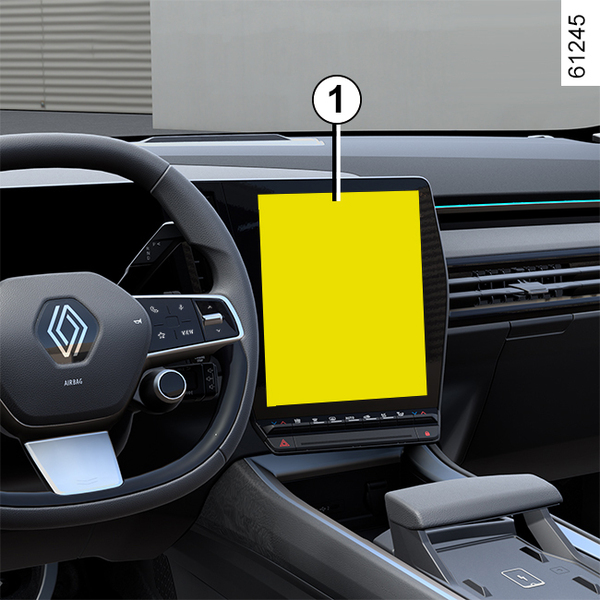
Trip computer: general information On-board computer 1 Depending on the vehicle, this includes the following functions: Chapter
Warning lights The display of information shown below DEPENDS ON THE VEHICLE EQUIPMENT AND COUNTRY. Chapter
Driving position: right-hand drive The equipment fitted, described below, DEPENDS ON THE VERSION AND COUNTRY. Chapter
Driving position: left-hand drive The equipment fitted, described below, DEPENDS ON THE VERSION AND COUNTRY. Chapter
Child seats: attachment using the isofix system ² Seat which does not allow a child seat to be fitted. Chapter
Child seats: attachment by seat belt ³ Check the status of the airbag before fitting a child seat or allowing a passenger to use the seat. Chapter
Child safety: fitting a child seat, general information Some seats are not suitable for fitting child seats. The diagram on the following page shows you how to attach a child seat. The types of child seats indicated may not be available. Before using a different child seat, check with the manufacturer that it can be fitted. Fit the child seat in a rear seat wherever possible. Chapter
Child safety: choosing a child seat mounting There are two ways of attaching child seats: via the seat belt or using the ISOFIX system. Attachment via the seat belt The seat belt must be adjusted to ensure that it is effective in the event of harsh braking or an impact.Ensure that the strap paths indicated by the child seat manufacturer are respected. Chapter