Audio sources <?xml version="1.0" standalone="yes"?>Multimedia widget The widget allows you to control multimedia functions from the home screen. Chapter
Add, manage widgets <?xml version="1.0" standalone="yes"?> Press and hold the home screen for about 3 seconds to activate buttons A and B, allowing you to edit widgets and wallpapers. Chapter
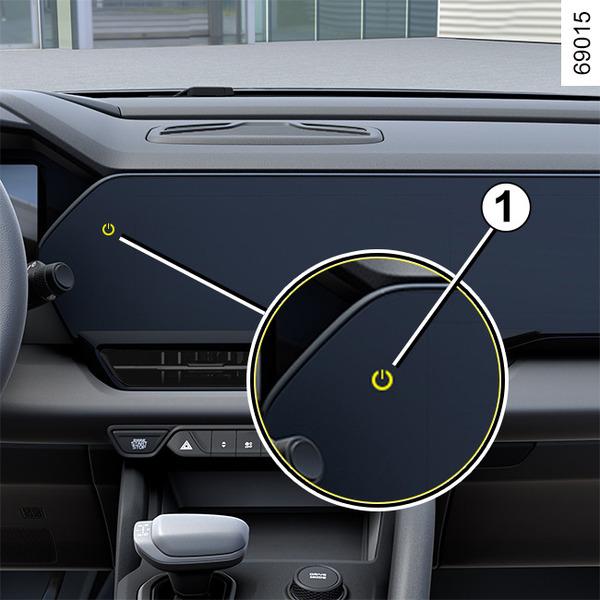
Switching on, off <?xml version="1.0" standalone="yes"?> Power button 1Turning on the multimedia system Chapter
Introduction to the controls <?xml version="1.0" standalone="yes"?> You can operate various functions of the multimedia system using the buttons on the right side of the steering wheel. Chapter