Renault Kardian Latam
Starting the engine
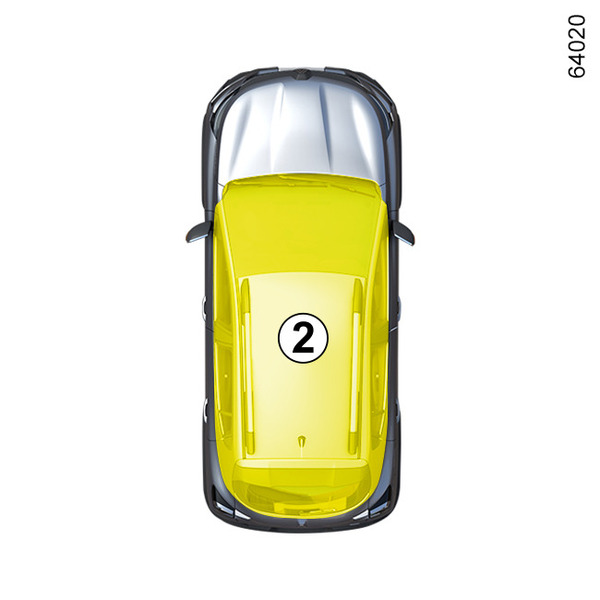
The card must be inserted in the reader zone 2.
Starting the engine:
- on a vehicle fitted with an automatic gearbox, select the P or N position, press the brake pedal and press button 1;

Special instructions
If one of the starting conditions is not applied, the "Press Brake + START" or "Select Gearbox Position "P"" message will be displayed on the instrument panel.
Starting in hands free mode with the boot open
In this case, the card should not be located in the luggage compartment.
warning
Driver’s responsibility when parking or stopping the vehicle
When leaving the vehicle, never leave children, a dependent adult or animals alone inside it, even for a short time.
They may pose a risk to themselves or to others by starting the engine, activating equipment such as the window controls or locking the doors, for example.
Also, in hot and/or sunny weather, please remember that the temperature inside the passenger compartment increases very quickly.
RISK OF DEATH OR SERIOUS INJURY.
"Accessories" function
(switching on the ignition)
As soon as the vehicle is unlocked, some functions will become available (radio, multimedia system, windscreen washers etc.).
To use the other functions, with the card inside the slot, press button 1 without pressing the pedals.
Operating Faults

In some situations, it is possible that the "hands free" card may not work:
- if the card battery is weak, flat, etc.;
- near devices that operate on the same frequency as the card (e.g. monitor, mobile phone, video game, etc.).
- if the vehicle is in a location where there are high levels of electromagnetic radiation;
The "Place card on zone + START" message is displayed on the instrument panel.
Remove the cup holder 3. Press the brake or clutch pedal and then place the card against the symbol 4. Press button 1 to start the engine. The message disappears.
Conditions for stopping the engine
The vehicle must be stationary with the selection lever in P position for vehicles with an automatic gearbox.
With the card in the vehicle, press button 1 and the engine will stop.
If the card is no longer in the passenger compartment when you attempt to switch the engine off, the message "No card: press START" will be shown on the instrument panel: press button 1 for more than two seconds. If the card is no longer in the passenger compartment, check that it can be recovered before pressing and holding the button. Without the card, you will not be able to start the vehicle again.
With the ignition switched off, any accessories being used (radio, etc.) will continue to function for approximately 10 minutes.
When the driver’s door is opened, the accessories stop working.
warning
Never switch off the ignition before the vehicle has come to a complete stop. Once the engine has stopped, functions such as power-assisted brakes, steering etc. and passive safety devices such as airbags and pre-tensioners are deactivated.
warning
Do not park the vehicle or run the engine in locations where combustible substances or materials such as grass or leaves can come into contact with a hot exhaust system.
warning
When you leave your vehicle, especially if you have your card with you, check that the engine is completely switched off.
Remote engine start-up

Initialisation
If the vehicle is equipped with this, touch the unlocking button 5 and then press the remote start button 7 twice in a row for about three seconds each time. The time interval between the two presses must be less than five seconds. The indicator lights will illuminate continuously for approximately three seconds to confirm that the system has been reset.
Note: once initialised, the function cannot be deactivated.
It is recommended that you contact an approved dealer.
Operation
Adjust the temperature to a comfortable level (temperature, de-icing, etc.).
To start the engine remotely:
- press the locking button 6;
- within two seconds, press the remote start button 7 for approximately three seconds.
The hazard warning lights switch on continuously during approximately three seconds and the engine starts.
Once the engine is started, it will run for approximately 10 minutes.
Note:
- with the engine running remotely, it is possible to add another 10 minutes by repeating the operation;
- If the engine starts remotely and you want to drive the vehicle, unlock the vehicle and press the brake pedal and button 1.
To switch off the engine remotely, press the remote start button 7.
Note: it is possible to start the engine remotely no more than twice
If you wish to repeat the operation, you must drive the vehicle at a speed over 6 mph (10 km/h).
warning
Before using the "Remote engine start" function, check that the vehicle is stationary Electronic parking brake.
Risk of accident and serious injury.
warning
Before using the "Remote engine starting" function, make sure that there are no children in the vehicle.
Risk of accident and serious injury.
warning
Switch off the ignition before carrying out any operation in the engine compartment Starting ignition, vehicle with keyStartup ignition, vehicle with card.
warning
Before using the "Remote engine start" function, ensure that the gearbox is in the P (Park) or N (Neutral) position.
Risk of accident and serious injury.
Area of operation and interference
The remote start function may vary and be affected by environmental conditions:
- obstacles, buildings, walls, other vehicles, etc.;
- if the vehicle is located in an area with high electromagnetic radiation;
- if the key battery level is low;
- ...
warning
Do not use the remote engine start function when:
- the vehicle is in a garage or a confined space.
Risk of poisoning or suffocation by exhaust gases.
- The vehicle is covered with a protecting cover.
Fire hazard.
- The bonnet is open, or before opening it.
Risk of burns or serious injury.
Depending on the country, the remote start function may be prohibited by current laws and/or regulations.
Before using this function, check the current laws and/or regulations in the country concerned.