openR panorama screen
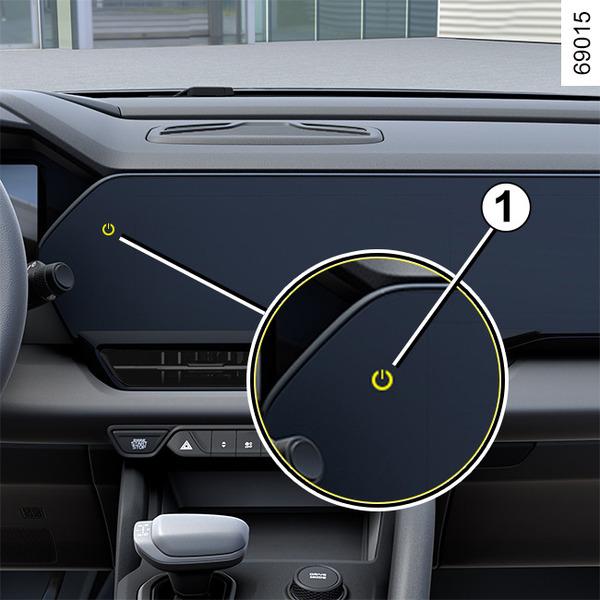
Power button 1
Turning on the multimedia system
When you press the vehicle start button, the multimedia system will automatically turn on.
Pressing power button 1 will turn off the multimedia screen, displaying the clock. Touching the screen or pressing the power button will return you to the multimedia screen.
Note: If you press and hold power button 1 for more than 10 seconds, it will reboot.
Turning off the multimedia system
When you turn off the vehicle and open the door, the system will automatically turn off.